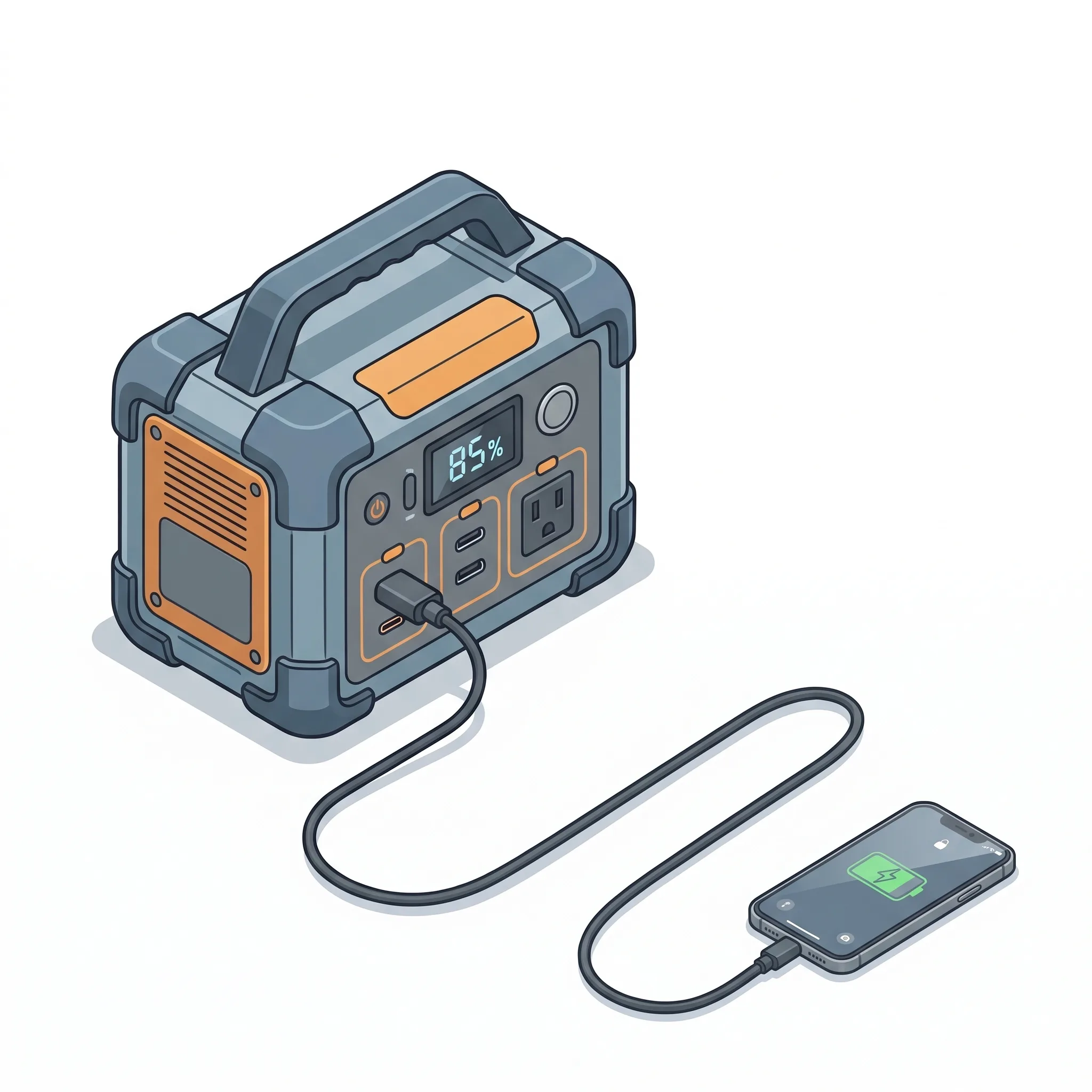
If your laptop supports USB-C charging and you are running it from a portable power station, the AC outlet is not your best option. Plugging into the station's USB-C Power Delivery port instead of its AC outlet can squeeze 10–20% more runtime from the same battery: not because of any clever software trick, but because of basic electrical engineering.
Here is why the charging path matters, and when USB-C is the smarter choice.
The Double Conversion Problem
A portable power station stores energy in a lithium battery as direct current (DC). When you plug a laptop's AC adapter into the station's AC outlet, that stored DC power goes through two conversion steps before it reaches your laptop:
- The station's inverter converts DC to AC (to simulate wall power).
- Your laptop's AC adapter converts that AC right back to DC (because the laptop runs on DC internally).
Each conversion step loses energy as heat. A typical portable power station inverter operates at 85–90% efficiency, and a laptop AC adapter meeting federal DOE Level VI standards must average at least 88% efficiency in the 49–250W range. Multiply those together and only 75–79% of the battery's stored energy actually reaches the laptop.
USB-C Power Delivery takes a shorter path. The station's USB-C port uses an internal DC-to-DC converter to step the battery voltage directly to what the laptop needs: one conversion instead of two. Typical DC-to-DC conversion efficiency runs 90–95%, meaning more of the battery's stored energy reaches the laptop and less is lost as heat.
Inverter Idle Draw
The efficiency percentages above only tell part of the story. Portable power station inverters also consume power just being turned on, even when no device is drawing from the AC outlet.
Measured idle draws vary widely by model. Independent testing has recorded inverter idle draws ranging from 10W on an EcoFlow Delta 2 to 50W on an Oupes Mega 1, while larger units with high-wattage inverters can waste 48–85W at idle. USB-C and other DC output ports, by contrast, draw virtually no power when idle.
This matters more than it might seem. A typical laptop draws 30–60W while in use. If the inverter is burning 40W just being on, nearly half the total power station discharge is going to the inverter itself rather than the laptop.
What the Numbers Mean in Practice
Consider a common scenario: charging a laptop that draws 60W from a power station with a 1,000 Wh battery.
- Via AC outlet: At roughly 78% combined conversion efficiency (inverter plus adapter), plus inverter idle overhead, the station delivers approximately 12.2 hours of laptop use.
- Via USB-C PD: At roughly 90% DC-to-DC efficiency with negligible idle overhead, the same station delivers approximately 13.5 hours.
That is an extra 1.3 hours from the same battery: enough to finish a long flight or get through an extra work session at camp. BLUETTI's technical documentation puts the gain at 15–20% more runtime when using DC outputs instead of the AC inverter.
The advantage grows at lighter loads because inverters are least efficient when lightly loaded. A power station with a 2,000W inverter running a 40W laptop operates at a fraction of its rated capacity, pushing the inverter well below its efficiency sweet spot.
When AC Still Makes Sense
USB-C is not always the answer:
- No USB-C charging support. Some laptops, especially older models and many gaming laptops, only charge through a proprietary barrel-jack connector. Without USB-C charging capability, the AC outlet is the only option.
- Wattage limitations. USB-C PD 3.0, found on most current power stations, maxes out at 100W. High-performance laptops that need 120–240W will not charge fully or fast enough through a 100W USB-C port. The newer PD 3.1 standard supports up to 240W, but few power stations have adopted it yet: Anker's Solix C2000 Gen 2 is one exception, offering dual 140W USB-C ports.
- Manufacturer restrictions. Some laptop brands throttle USB-C charging from non-OEM sources. Dell laptops, for instance, may cap third-party USB-C input at 65W regardless of what the charger can deliver.
For laptops that need more than a USB-C port can deliver, the AC outlet remains the right choice. The efficiency penalty is the cost of compatibility.
What to Check Before Switching
Before relying on USB-C PD from your power station, verify a few things:
- Does your laptop support USB-C charging? Check whether the laptop's USB-C port carries the charging or power icon, or consult the manufacturer's specifications.
- What wattage does it need? A thin ultrabook might need only 45W; a 16-inch MacBook Pro needs 140W. Match this to the power station's USB-C output.
- Cable quality matters. Not all USB-C cables support high power delivery. For 100W charging, use a cable rated for 5A with an E-Marker chip. Using an old phone cable may result in only 15–18W delivery, a common source of "slow charger" warnings.
The Industry Is Moving This Direction
The efficiency advantage of skipping the inverter has not gone unnoticed by manufacturers. Anker now sells the Solix C300 DC, a power station that eliminates the inverter entirely. It is 32% lighter than its AC-equipped counterpart with the same battery capacity, offering only USB-C PD and DC outputs. Anker's marketing refers to avoiding "the inverter tax."
This is not a fringe product. It signals that for users whose primary devices charge over USB-C, laptops, phones, tablets, cameras, the inverter is increasingly optional overhead.
The Bottom Line
If your laptop charges over USB-C and your portable power station has a capable USB-C PD port, use it. You will get more runtime from the same battery by eliminating the double conversion that the AC path requires. The physics are straightforward: fewer conversion steps mean less energy lost as heat.
For camping, van life, or emergency backup, that extra 10–20% runtime can mean the difference between finishing your work and searching for a wall outlet.